Not every order starts on your page. When you've agreed one in a DM, on the phone or at a market, press Add an order on your dashboard and write it down.
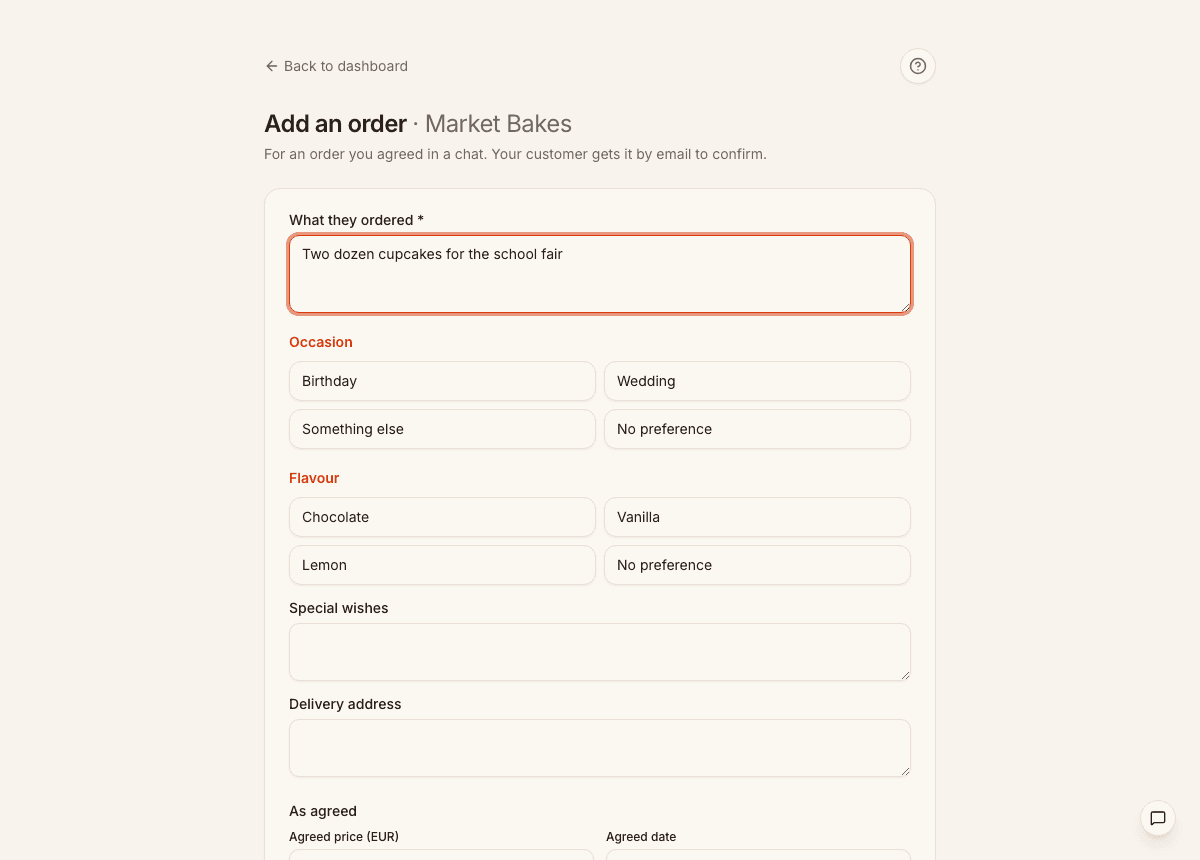
What you fill in
- What was ordered, and your customer's name and email.
- Your questions, all optional here: fill in what you agreed and leave the rest.
- Fields only you see, if your form has any.
- As agreed: the price and the date you agreed. At least one of the two is needed; your customer confirms them.
Save and send to confirm creates the order on your dashboard, marked "Entered by you". Your customer gets an email asking them to confirm it, with a link to their order page. To send that link in your chat too, copy it from the note at the top of the order.
Once they confirm, the order works like any other: messages, payment, documents and all.